CMS कसे वापरायचे , चला एकदा बघूया .....
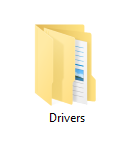
1. Create a new Folder in D drive as “Drivers“.
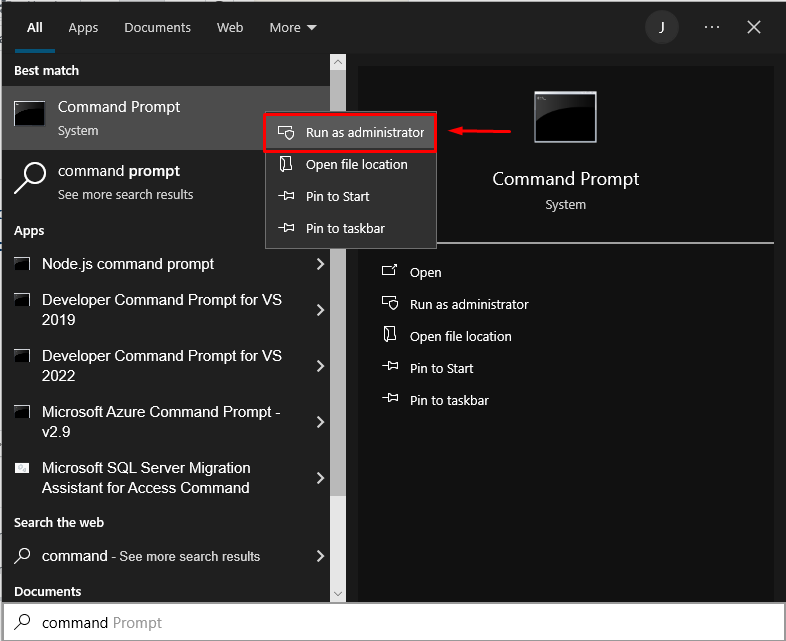
2. Go to Command Prompt in Administrative Mode.
3. Type the following command
C:\Windows\system32>dism /online /export-driver /destination:D:Drivers
here D:Drivers Show Drivers folder in D Drive of your PC.
This will download all your Drivers in Folder Drivers at D drive
4. For restoring your driver.
After finishing your windows formatting.
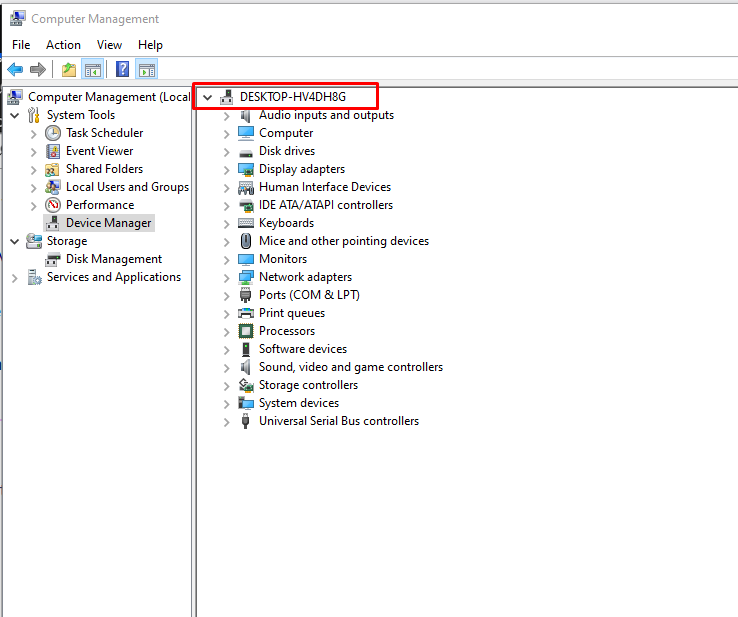
5. Go to Computer Management.
Device Manager-> Computer Name
then add all drivers.